
5 min read
A BIOS beep code is a series of short and long beeps that a computer makes when it fails to start. The screen stays black, the fans spin, and the beeps are the only message the computer can give. Each pattern points at a specific fault, such as bad memory, a missing graphics card, or a dead motherboard battery.
This guide explains what is a BIOS beep code and what each pattern means. You will learn why a PC beeps instead of showing an error, how to identify your BIOS type, what the common patterns mean, and how to fix the fault behind the beeps.
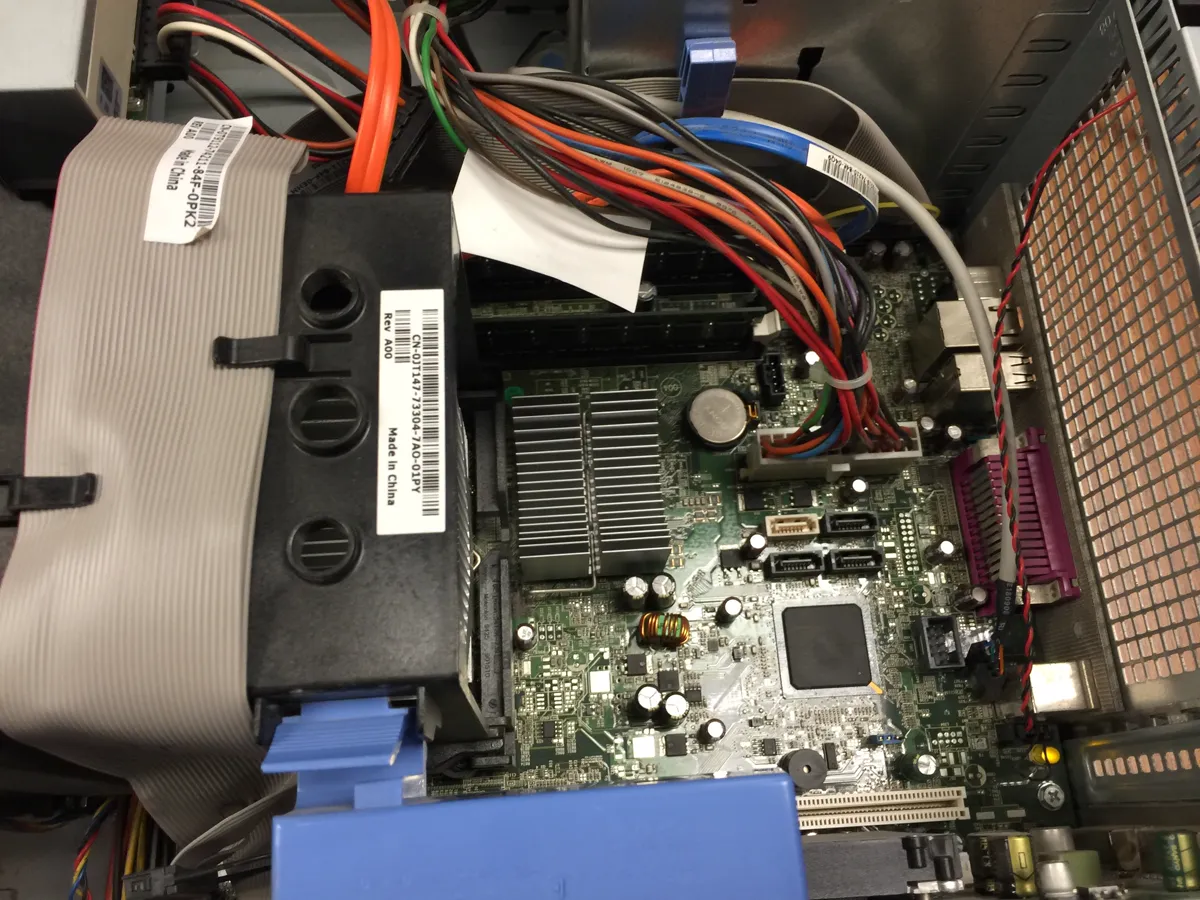
Why a PC Beeps Instead of Showing an Error
When a computer first turns on, the BIOS runs a power-on self-test, called POST, that checks the CPU, memory, graphics card, and keyboard. If the test fails early, the graphics card may not be working yet, so the BIOS cannot show an error on screen.
The beeps come from a small speaker on the motherboard or in the case. Many modern cases no longer include that speaker, so a PC without one stays silent even when it fails.
The beep pattern is a code, not a random sound. One long beep followed by two short beeps means something different from three long beeps, and the meaning depends on the BIOS maker. Counting the beeps carefully is the first step in any diagnosis, so listen twice before you start fixing things.
Identify Your BIOS Type
The three common BIOS makers are AMI, Award, and Phoenix, and each uses a different beep code table. The motherboard manual names the BIOS maker, and the BIOS setup screen shows it too. If the PC will not boot at all, search the motherboard model online to find the BIOS maker and its beep code table.
AMI BIOS uses patterns of short beeps, such as one beep for a memory refresh failure and eight beeps for a graphics card failure. Award BIOS uses a mix of long and short beeps, such as one long and two short beeps for a graphics card problem.
UEFI, the modern replacement for BIOS, often shows an error on screen instead of beeping, but many UEFI boards still beep for early faults. The beep meanings on a UEFI board usually follow the AMI table, since AMI makes many UEFI firmware builds.
Common Beep Patterns
No beeps at all with a black screen usually means the CPU, the motherboard, or the power supply is dead, or the speaker is missing. Check that the power cables are plugged in, the CPU fan spins, and the speaker is connected. A silent PC with spinning fans often has a power or motherboard fault, not a memory fault.
One long beep followed by two or three short beeps usually points at the graphics card. Reseat the card in its slot, check its power cables, and try the onboard graphics if the motherboard has a video output. A graphics card that is not fully seated is one of the most common causes of this pattern.
Repeated long beeps usually point at memory. A stick that is not seated, a stick in the wrong slot, or a dead stick all produce this pattern. One short beep with a normal boot is not an error at all: it means the self-test passed and the computer is starting normally.
Fix Memory and Graphics Beeps
For memory beeps, turn the PC off, unplug it, and reseat the memory sticks. Push each stick in until both end clips click, and make sure the sticks sit in the slots the manual recommends, usually the second and fourth slots for two sticks.
For graphics beeps, remove the card, clean the slot with compressed air, and refit the card firmly until the latch clicks. Check the power cables from the power supply to the card, since a card without power beeps the same way as a dead card.
If the beeps point at the motherboard battery, a weak CMOS battery can cause a checksum error beep. The battery is a small coin cell on the board, and replacing it takes a minute. A dead CMOS battery also resets the clock and the BIOS settings on every boot, which confirms the diagnosis.
When the Beeps Mean a Deeper Fault
Continuous short beeps often mean a power supply problem. A failing power supply can deliver unstable voltage that makes the motherboard beep without booting. Test with a known-good power supply if you have one, since a power supply swap is cheaper than a motherboard swap and fixes more beep cases than people expect.
A beep pattern that the manual does not list may mean a motherboard fault. Check for bulging capacitors, burn marks, or a burnt smell on the board. A board with visible damage needs a professional repair or a replacement, since board-level repair is not a job for most home users.
Write down the exact pattern before you call for help. A repair shop can diagnose the fault in minutes from a correct beep count, but a vague report of beeping noises forces them to start from scratch. Note the BIOS maker, the pattern, and what changed just before the beeps started, such as a new part or a cleaning.
Questions this article did not answer? Chances are What Is a BIOS Flashback and How It Recovers a Failed Update or one of the guides below covers it.