
5 min read
A phone that will not connect to a car Bluetooth system turns every drive into a fight with cables and missed calls. The phone pairs fine with earbuds at home, the car pairs fine with another phone, and yet the two refuse to work together. The fix usually lies in a stale pairing, a car system that is full of old devices, or a phone setting that blocks the car profile.
This guide shows how to fix a phone that will not connect to a car Bluetooth system. You will clear the old pairing on both sides, check the car system limits, fix the phone settings, and learn when the car system itself needs an update.
Clear the Pairing on Both Sides
Delete the pairing on the phone first. Open the Bluetooth settings, find the car name, and choose Forget or Unpair. Then delete the phone from the car system, usually under Phone, Bluetooth, or Device List in the car menu.
Restart both devices after clearing. Turn the phone Bluetooth off and on again, and turn the car off and on, or at least turn the car infotainment system off and on if it has a power button. A fresh start clears the cached connection state on both sides.
Pair again from scratch, starting the search from the car system if the car manual recommends it. Accept the pairing code on both screens and confirm that the codes match. Grant the contacts and call history permissions when the phone asks, since the car system may refuse the connection if you deny them.
Check the Car Pairing List
Many car systems hold only five to ten paired devices, and a full list silently refuses new phones. Open the device list in the car menu and delete old phones you no longer own, rental cars, or duplicate entries for your own phone.
Some cars keep separate lists for calls and for media audio. A phone can appear in one list but not the other, which makes the phone connect for calls but not for music, or the other way around. Delete the phone from both lists and pair it again with both profiles enabled.
If the car system has a factory reset option for Bluetooth only, use it as a last resort before a full system reset. A Bluetooth reset clears all paired devices without touching the navigation or radio presets. A full factory reset clears everything, so back up the car settings first if the car supports it.
Fix the Phone Settings
Check that the phone is discoverable and that Bluetooth is on. On Android, open the Bluetooth settings and make the phone visible while you pair. On an iPhone, keep the Bluetooth settings screen open during pairing, since the iPhone only advertises itself while that screen is open.
Turn off battery saver mode during pairing. Battery saver can throttle Bluetooth, delay the pairing handshake, or kill the connection right after it forms. Pair with the phone plugged into a charger, then test the connection before you turn battery saver back on.
Reset the network settings if the phone pairs with everything except the car. On Android, go to Settings, then System, then Reset, and choose Reset Bluetooth and Wi-Fi. On an iPhone, go to Settings, then General, then Transfer or Reset, and choose Reset Network Settings.
Check Car System Software
An old car system can refuse a new phone because the Bluetooth version or the profiles do not match. Check the car maker website for a firmware update for your exact model and year, and follow the update instructions, which often need a USB drive. A firmware update fixes many pairing failures that look like phone problems.
Some cars need a specific phone setting, such as allowing the car to access contacts or messages. If the car shows a prompt to allow access and you dismiss it, the car may drop the connection. Pair again and accept every permission prompt, then turn off the permissions you do not want only after the connection is stable.
If the car system freezes during pairing, restart it with the reset button or by holding the power button for ten seconds, depending on the model. A frozen car system cannot complete a handshake, and no phone setting fixes it. A restart clears the freeze and lets the pairing finish.
Test With Another Phone
Borrow a second phone and try to pair it with the car. If the second phone pairs and plays music, the car system is fine and the problem is in your phone. If the second phone also fails, the car system is the problem, and a dealer visit or a firmware update is the next step.
Test your phone with a different Bluetooth device, such as a speaker or earbuds. If the phone pairs with everything except the car, the phone radio is fine and the issue is the car pairing. If the phone fails with every device, the phone Bluetooth radio or software needs attention.
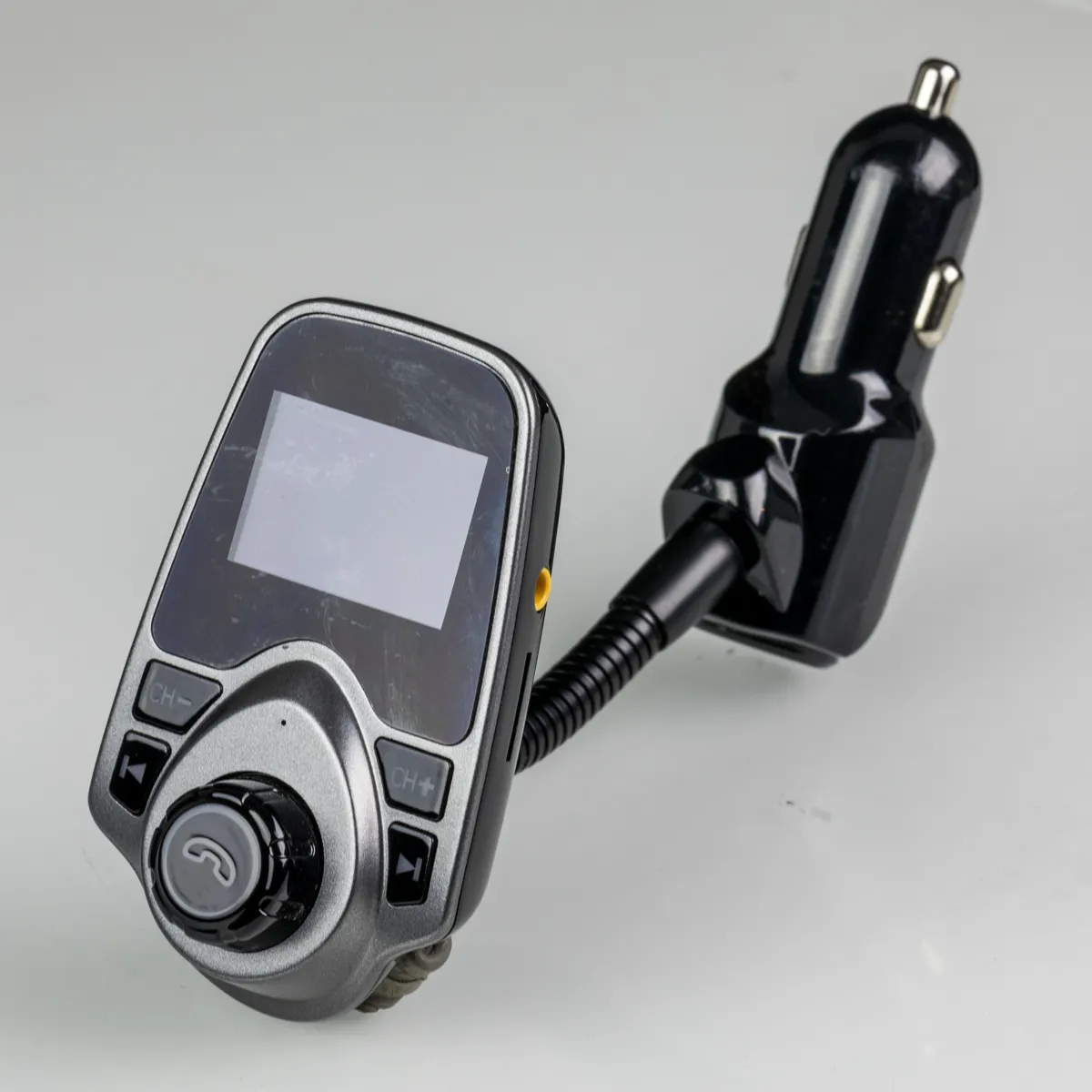
If the car system is the problem and no update fixes it, a Bluetooth FM transmitter or an aux adapter can bridge the gap cheaply. These adapters pair with the phone and send audio to the car radio, which restores hands-free calls and music without replacing the car system.
The best way to learn bluetooth is to keep going. Your next read is right below: Bluetooth Speaker Keyboard Gaming Issues.
Reference: CONNECT — Wikipedia