
5 min read
A phone that charges only when the cable is held at an angle has a connection problem, not a battery problem. The cable, the port, or both have worn to the point where the contacts only touch in one position. The phone charges in that position and stops the moment you let go, which makes overnight charging impossible and daily charging a hassle.
This guide shows how to fix a phone that charges only when the cable is held at an angle. You will find out whether the cable or the port is at fault, clean and inspect the port, test for a worn port, and learn when wireless charging or a repair is the right answer.
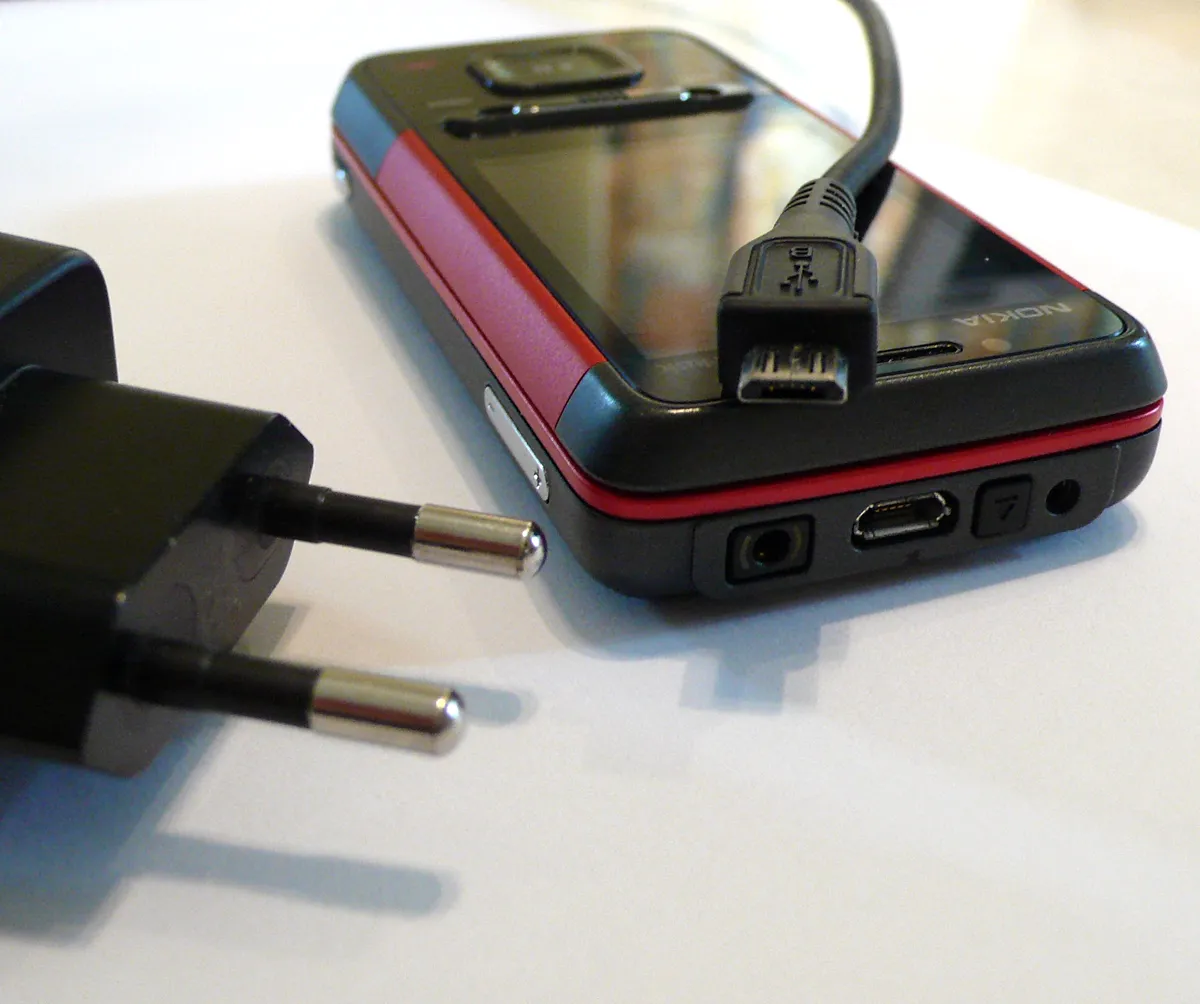
Test the Cable First
Try a second cable, preferably a new or known-good one, before you blame the phone. Cables wear out faster than ports, because the plug bends, twists, and gets yanked every day. If the second cable charges normally without holding it, the first cable is worn and the phone is fine.
Test the suspect cable on another phone. A cable that needs an angle on two phones is a bad cable, and a cable that works fine on another phone points back at the first phone port. This two-phone test takes a minute and saves you from cleaning or repairing the wrong part.
Check the cable plug for damage. A bent tip, a loose metal shell, or a frayed section near the plug all cause angle-dependent charging. A cable with visible damage belongs in the bin, since a damaged plug can scratch the port and make the problem worse.
Clean and Inspect the Port
Turn the phone off and look into the port with a flashlight. Lint packed against the back wall is the most common cause of a loose cable, because the lint stops the plug from seating fully. A plug that cannot seat fully wobbles, and it only touches the contacts when you press it to one side.
Clean the port gently with a wooden or plastic toothpick, using light strokes from the back wall toward the opening. Let the debris fall out instead of pushing it deeper, and stop if you feel strong resistance. Never use a metal pin or needle, since metal can bend the contacts or short the port.
After cleaning, plug the cable in and check the feel. A clean port lets the plug slide in fully and click into place. If the plug still wobbles or needs an angle after two gentle cleanings, the port itself is worn, not just dirty.
Check for a Worn or Bent Port
A port wears out after thousands of plug cycles. The spring clips inside lose their grip, so the plug sits loosely and only touches the contacts at an angle. A phone that has charged daily for three or four years can reach this point, especially if the cable was often yanked sideways.
Look for a bent pin inside the port with the flashlight. A pin that leans to one side explains why only one angle works, since the plug must press the pin back into place. A bent pin is a repair job, not a cleaning job, and poking at it usually makes the bend worse.
Check whether the port moves when you touch it. A port that shifts in the frame has a cracked solder joint or a loose mounting, and it needs a repair. Do not keep forcing the cable into a moving port, since the movement can crack the board traces underneath.
Use Wireless Charging as a Bridge
If your phone supports wireless charging, use it while you wait for a repair. A wireless charger bypasses the port entirely, so a worn port does not matter. The phone charges slower than on a cable, but it charges reliably overnight without holding anything at an angle.
Keep the phone centered on the charging pad, since an off-center phone charges slowly or stops. Remove a thick case if the phone keeps stopping, since a thick case can block the wireless link. A wireless charger also keeps the port free from further wear while you decide on a repair.
Wireless charging does not fix data transfer. If you need to move photos or files to a computer, use Wi-Fi transfer, cloud storage, or a USB drive adapter instead of the cable.
Get the Port Repaired
Take the phone to a repair shop when cleaning and a new cable do not fix the angle problem. A port replacement is a routine repair on most phones, and it restores the firm click of a new phone.
Back up the phone before the repair, since some shops wipe the device as part of the service. Remove the SIM card and the memory card if the phone has one, and note the passcode for the shop if they need it to test charging after the repair.
If the repair costs more than the phone is worth, a wireless charger can keep an old phone going as a spare, a music player, or a home remote. A phone that only charges wirelessly is still useful, and it costs nothing to keep it running until you are ready to replace it.
Wrap up here, then dive into Onn Smartphone Vlogging Kit Reviews: Is It Worth Your Money? — it pairs well with what you just read.