
5 min read
A VPN server location is the city or country where your traffic exits onto the open internet. When you connect to a VPN server in another country, websites see that server location instead of your real one, and your traffic travels to that server and back before it reaches its destination. That extra journey is the reason server location changes your speed.
This guide explains what a VPN server location is and why it changes your speed. You will learn how distance, server load, and routing shape performance, and how to pick a location that balances speed with the content you want to reach.
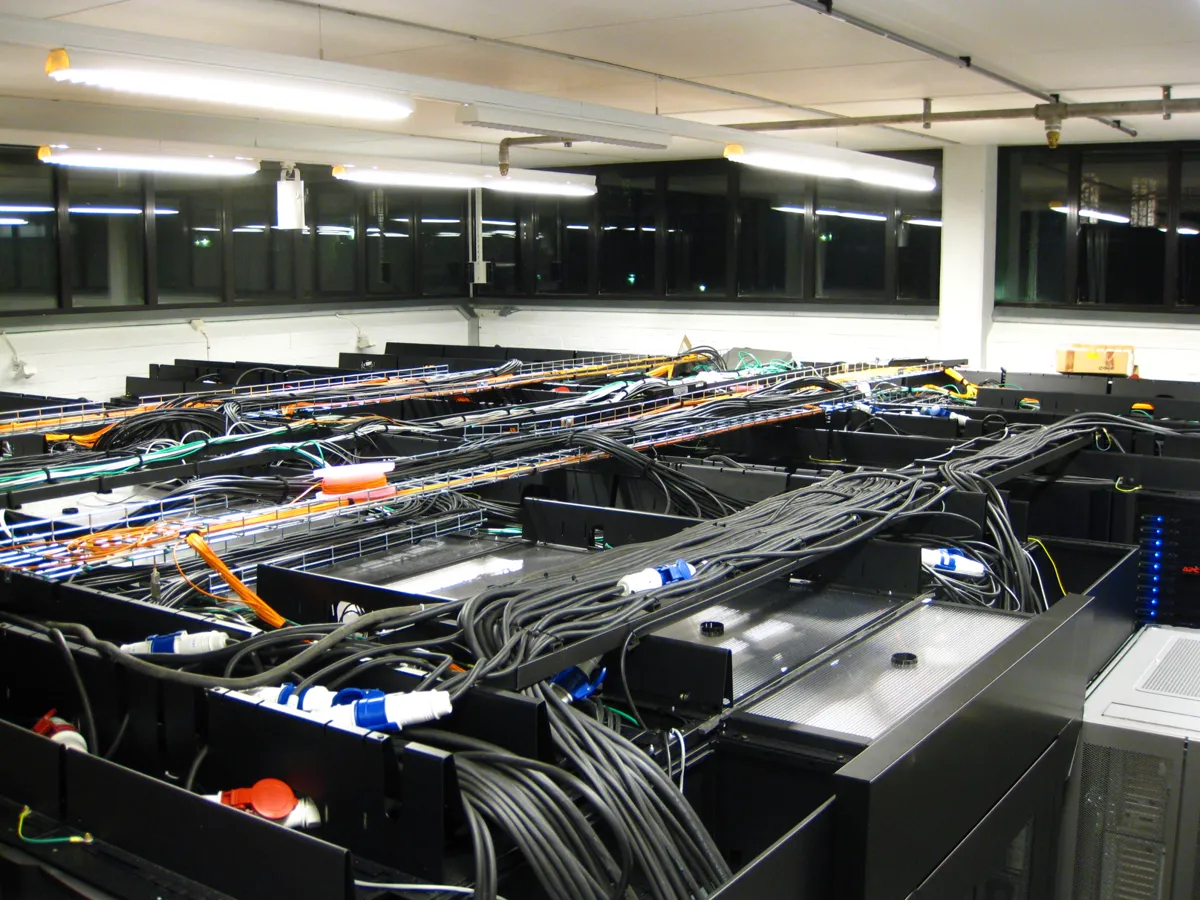
What a VPN Server Location Actually Means
When you connect to a VPN, your device builds an encrypted tunnel to a VPN server, and all your traffic flows through that tunnel. The VPN server then forwards your traffic to websites and services. From the outside, your traffic appears to come from the server, so its city and country become your apparent location for every site you visit.
The server location decides which version of a website you see. A news site, a streaming catalog, or an online store may show different content or prices based on the country it sees. Connecting to a server in another country is the mechanism behind that change, and it is why location choice matters beyond speed.
Your real location never disappears entirely. The encrypted tunnel still runs from your device to the server, so the distance between you and the server shapes latency, and the path your traffic takes shapes throughput.
Distance: The Speed Cost You Cannot Avoid
Distance adds latency, which is the round-trip delay of your connection. Every request you send travels to the VPN server, then to the website, then back through the server to you.
Distance also affects throughput on long routes. Data crosses many networks between you and a distant server, and any congested link along the way caps the whole connection. A nearby server usually takes a shorter, cleaner path, which is why the closest server is often the fastest by a wide margin.
For speed-first use, pick the nearest server in your own country or a neighboring one. For content access, pick a server in the country whose content you need, and accept the speed cost. Trying to get both from a single distant server is the most common source of VPN disappointment.
Server Load and the Time of Day
Server load matters as much as distance. A popular server at peak evening hours can slow to a crawl even when it sits in your own city, because hundreds of users share its bandwidth and processor. A less popular server slightly farther away can beat it, because an empty server serves you faster than a crowded one.
Time of day changes the load. Servers in a country fill up during that country evening, when people stream video. If your VPN app shows server load or ping, use it: pick a server with low load and low ping rather than the one with the closest city name. The numbers beat the map.
Switch servers when performance drops. A server that was fast in the morning can slow by evening, and a server that is fast for browsing can still lag for video. Test two or three servers in the same region and keep the one that performs best for your actual use, not the one that looks best on the map.
Routing, Protocols, and the Speed You Keep
Routing is the path your traffic takes between networks. Two servers in the same city can perform very differently if one sits on a well-connected network and the other takes a detour through congested links. Your VPN provider chooses these paths, and a good provider invests in peering that keeps routes short and clean.
The VPN protocol also shapes speed. Modern protocols such as WireGuard are built for speed and low overhead, while older protocols add more processing and delay. If your VPN app offers a protocol choice, try WireGuard first, and compare it with the automatic setting.
Encryption strength is a smaller factor on modern hardware. Most devices encrypt fast enough that the cipher choice barely matters, and the bigger costs are distance, load, and routing. Do not weaken encryption to chase speed; fix the server choice and the protocol first, and keep the encryption strong.
How to Pick the Right Server Location
Match the location to the job. For banking, shopping, and everyday browsing, use the nearest server, since speed and low latency matter most. For streaming a catalog from another country, use a server in that country, and pick the least loaded one the app shows.
Test with real numbers. Run a speed test with the VPN off, then with the VPN on through each candidate server, and compare download speed, upload speed, and ping.
Save the winners. Most VPN apps let you favorite or pin servers. When you find a fast server in each region you use, save it, so you do not repeat the testing every time. A small list of proven servers beats scrolling through a hundred city names on every connection.
Wrap up here, then dive into Repair VPN Service Hacked: A Beginner's Guide — it pairs well with what you just read.
Related Articles:
- Repair VPN Service Hacked: A Beginner's Guide
- Fix VPN Service Random Shutdown: A 2026 Guide
- Configure VPN Service: A Beginner's Guide
What is your take?
Share your experience or questions in the comments — especially if you have used this tech yourself.
Found this useful? Share it with a friend who would want to know.