
5 min read
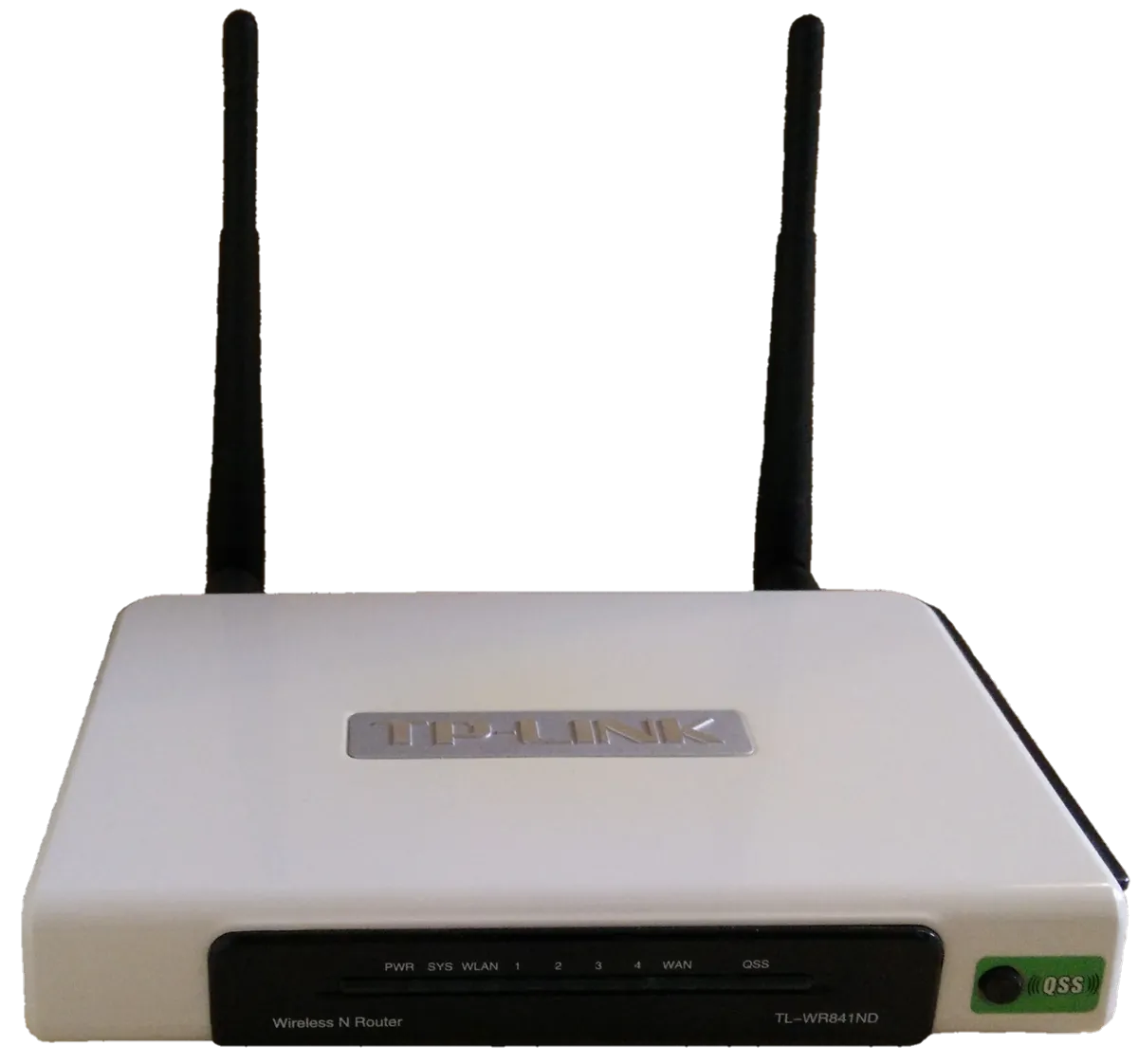
A dual-band router is a router that broadcasts two Wi-Fi networks at once, one on the 2.4 GHz band and one on the 5 GHz band. Your phone, laptop, and smart home devices pick the band that suits them, and the router manages both. A tri-band router adds a second 5 GHz band, or a 6 GHz band on newer models, to give busy homes more room.
This guide explains what is a dual-band router and how it differs from tri-band. You will learn what each band is good at, when a second 5 GHz band actually helps, and how to choose between the two for a small home or a busy family house.
What the Two Bands Do
The 2.4 GHz band is the older and slower band, but it reaches farther and passes through walls and floors better. Smart plugs, cameras, and older devices use it because they sit far from the router and need range more than speed.
The 5 GHz band is faster and less crowded, but its signal fades faster through walls. Phones, laptops, and streaming devices near the router use it for high-speed tasks like video calls and 4K streaming. A dual-band router lets both kinds of devices connect at the same time, each on the band that fits its needs.
Most dual-band routers can merge the two bands under one network name, a feature called band steering or smart connect. The router then moves each device to the best band on its own. A single network name is simpler, but separate names let you choose the band by hand when you want control.
What Tri-Band Adds
A tri-band router adds a third radio. On most models, the third radio is a second 5 GHz band, so the router has one 2.4 GHz band and two 5 GHz bands. On Wi-Fi 6E and Wi-Fi 7 models, the third radio may be a 6 GHz band instead, which is faster and emptier but reaches even less far than 5 GHz.
The extra band works like an extra lane on a highway. With two 5 GHz bands, the router can put your laptop on one band and your streaming TV on the other, so they never wait for each other. A dual-band router forces all 5 GHz devices to share one lane, which slows everyone down when several devices stream at once.
Tri-band routers also use the extra band as a dedicated backhaul link in mesh systems. The mesh nodes talk to each other on one 5 GHz band while your devices use the other, so the traffic between nodes never competes with your traffic. That dedicated link is the main reason mesh tri-band kits cost more.
Speed in Real Homes
In a small home with a few devices, a dual-band router is usually fast enough. Two or three people browsing, streaming, and working from home rarely saturate a modern dual-band router. The money saved can go toward a better internet plan or a better-placed router, which helps more than a third band.
In a busy home with many devices, a tri-band router shows its value. A family with two people on video calls, a teenager gaming online, a 4K TV streaming, and a dozen smart devices can fill a single 5 GHz band. The second 5 GHz band splits that load and keeps each stream smooth.
The internet plan sets the ceiling either way. A tri-band router does not make a 100 Mbps plan faster than 100 Mbps. It only helps when the Wi-Fi itself is the bottleneck, which you can test by comparing a wired speed test with a wireless one from the same spot.
Coverage and Device Support
Tri-band does not extend coverage by itself. A tri-band router and a dual-band router with the same antennas cover roughly the same area. If your problem is a dead zone in a far room, a better router position, a mesh kit, or a wired access point helps more than a third band.
Older devices cannot use the extra band. A phone from five years ago sees only 2.4 GHz and 5 GHz, so a 6 GHz band does it no good. Check whether your newest devices support Wi-Fi 6E or Wi-Fi 7 before you pay for a 6 GHz tri-band router, since the extra band only helps devices that can connect to it.
Smart home devices mostly live on 2.4 GHz, and they gain nothing from tri-band. A house full of smart plugs and cameras benefits from a strong 2.4 GHz signal and a router that handles many connected devices, not from a second 5 GHz band.
How to Choose Between Them
Choose a dual-band router if you have a small home, fewer than ten active Wi-Fi devices, and an internet plan under 500 Mbps. A good dual-band Wi-Fi 6 router handles that load easily and costs far less than a tri-band model. Spend the savings on placing the router in a central, open spot.
Choose a tri-band router if you have a large home, more than fifteen active devices, several 4K streams at once, or a mesh system where the nodes need a dedicated backhaul. Gamers and people who work from home with constant video calls also benefit from the extra lane.
Check the total speed rating with care, since makers add the speeds of all bands together into one big number. A router rated at 5400 Mbps does not deliver 5400 Mbps to any single device.
This is only one piece of the router puzzle. The articles below fill in the rest.