
5 min read
IPS, VA, and TN are the three panel types behind most monitors. The panel decides how colors look, how deep the blacks are, and how fast the picture responds. Two monitors with the same size and resolution can look very different because the panel differs.
This guide compares the three panel types for gaming and work. It covers color, contrast, speed, viewing angle, and price, so you can pick the panel that suits your desk instead of the one with the loudest box claim.
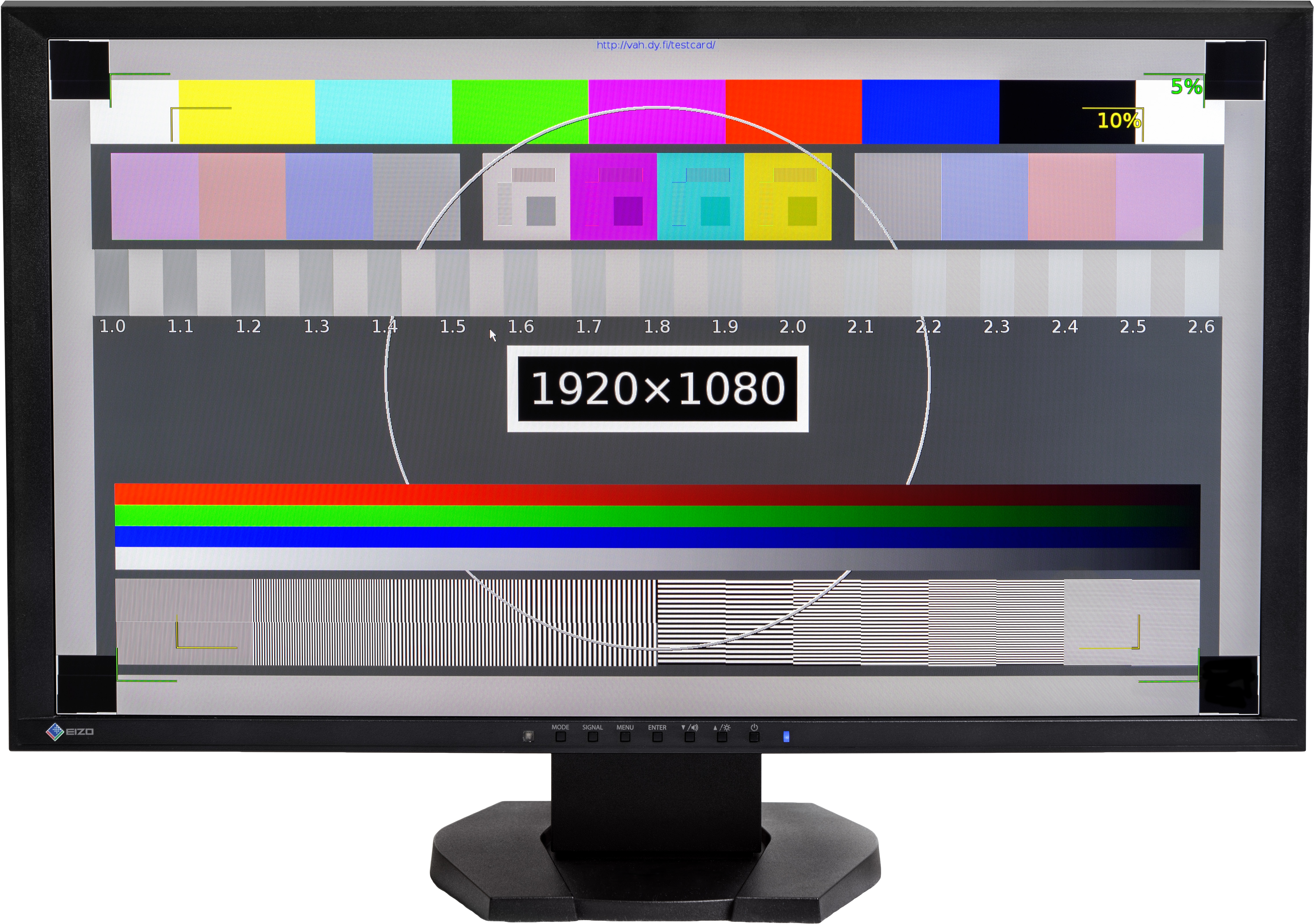
What Each Panel Does Best
An IPS panel is known for accurate color and wide viewing angles. Designers, photo editors, and anyone who cares about color usually pick IPS.
A VA panel is known for deep blacks and high contrast. Dark scenes in movies and games look rich, because the panel blocks light better when it shows black. A VA panel suits a dark room and evening viewing.
A TN panel is known for speed and low price. It responds faster than the other two, which suits competitive gaming where every millisecond counts. The trade-off is weaker color and narrow viewing angles.
No panel wins every category. The choice is a trade between color, contrast, and speed, and the right trade depends on what you do most at the desk.
Color and Viewing Angles
IPS leads on color. It shows a wide range of colors accurately, and the picture does not shift when you lean to one side. Two people watching the same IPS monitor from different chairs see nearly the same image.
VA sits in the middle on color. A good VA panel looks rich and pleasing, but the colors shift more than IPS when you view from an angle. The shift shows as a washed-out image from the side, which matters in a shared room.
TN trails on color and angles. The picture changes noticeably when you move your head, and the colors look flatter than on IPS. A TN monitor suits one person sitting straight ahead, not a group watching together.
For work that needs true color, IPS is the safe choice. For movies in a dark room, VA contrast beats IPS color. For a monitor that several people watch at once, IPS viewing angles win clearly.
Contrast and Dark Scenes
Contrast measures the gap between the brightest white and the darkest black. A VA panel reaches far higher contrast than IPS, so blacks look black instead of dark gray. The difference shows in night scenes, horror games, and movies with dark shadows.
IPS panels suffer from a glow in dark scenes. In a dark room, the corners of an IPS panel can glow gray on a black screen, which spoils the mood of a dark movie. The glow varies by unit, but it is a known IPS weakness.
TN panels sit below VA on contrast and near IPS on black levels. A TN monitor in a dark room shows grayish blacks, though the fast response can matter more than the black level for competitive play.
If you watch movies in a dark room, VA is the clear pick. If you work in a bright office, the contrast gap matters less, because room light washes out the blacks on every panel type.
Speed and Gaming Feel
Speed means how fast a pixel changes color. A slow pixel smears a moving image, which looks like a trail behind fast objects. TN panels have the fastest pixels, IPS sits in the middle, and VA has the slowest, especially in dark transitions.
Refresh rate is separate from pixel speed. A 144 Hz monitor redraws the picture 144 times per second, but a slow pixel cannot keep up with the redraw. A high refresh rate needs fast pixels to look sharp, so check both numbers, not just the refresh rate.
VA smearing shows most in dark games. A dark scene with fast movement leaves a visible trail on many VA panels, which bothers players in fast shooters. A VA panel with a good overdrive setting reduces the smear, but rarely removes it fully.
IPS is the balanced pick for mixed gaming. It is fast enough for most games, with color and angles that suit everything else. Competitive players who chase the last millisecond may still pick TN, but most gamers are happier with IPS.
Price and the Practical Pick
TN monitors cost the least for a given size and refresh rate. A budget TN monitor gives high refresh rates at a low price, which is why competitive players on a budget choose it. The low price buys speed, not beauty.
VA monitors sit in the middle on price. A VA monitor gives a big screen and deep contrast for a fair price, which suits a living room or a movie desk. The value is strong when the desk is mostly for media.
IPS monitors cost the most for the same size and refresh rate. The extra money buys color and angles that matter for work and for a shared desk. A good IPS monitor is a long-term purchase that suits nearly every use.
Pick IPS for mixed work and gaming, VA for movies and dark-room use, and TN for competitive gaming on a budget. The panel that fits your day beats the panel with the best spec sheet.
There is more where this came from — the guides below continue the topic, starting with Setup IPS Monitor: Free Download & Comprehensive Installation Guide.
Related Articles:
- Setup IPS Monitor: Free Download & Comprehensive Installation Guide
- IPS Monitor Mouse Lagging Fix: High Performance Solutions
- IPS Monitor Explained: Benefits, Technology & Uses
What is your take?
Share your experience or questions in the comments — especially if you have used this tech yourself.
Found this useful? Share it with a friend who would want to know.