
5 min read
A Bluetooth pairing code is the short number that appears when you connect a new device, and it asks you to confirm that both screens show the same code. It looks like a minor step, but it is the main defense against connecting to the wrong device or letting a stranger connect to yours.
This guide explains what a Bluetooth pairing code is and why it appears. You will learn how pairing codes work, why they appear on some devices and not others, what to do when codes do not match, and how to stay safe while pairing.
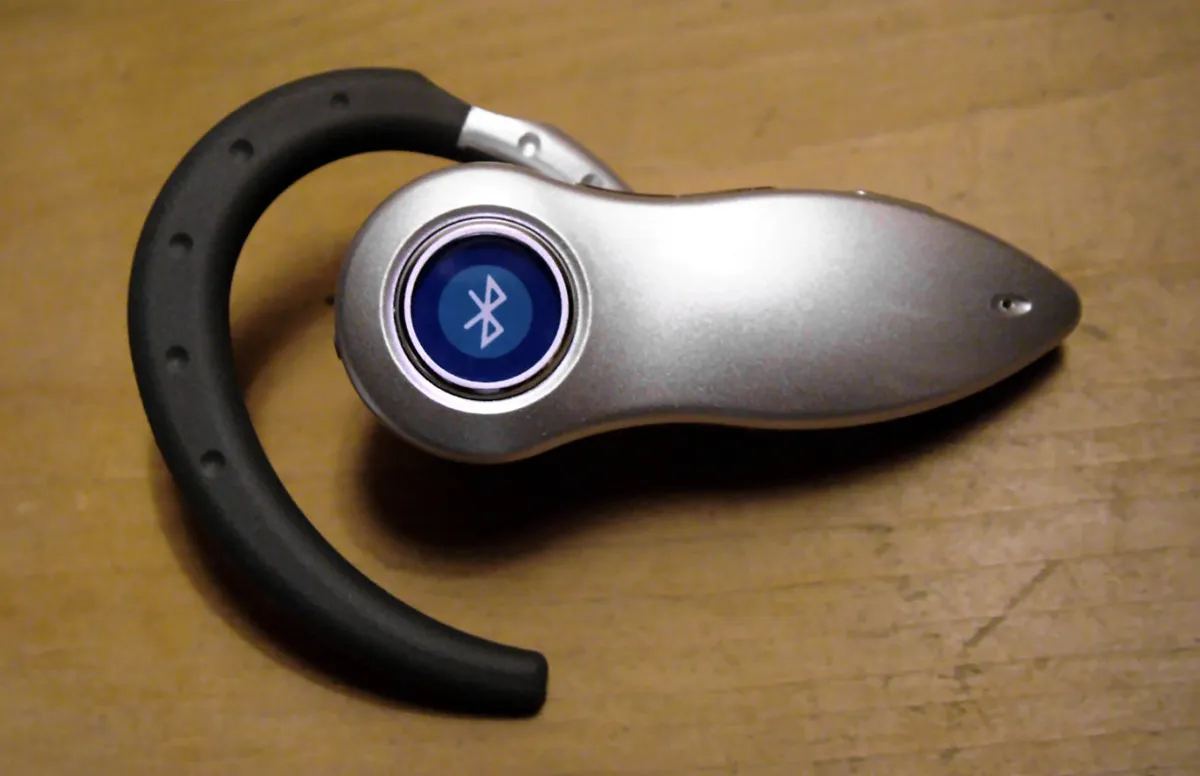
What a Bluetooth Pairing Code Is
A Bluetooth pairing code, also called a passkey, is a short number, usually six digits, that two devices display during pairing. You confirm that both devices show the same number, and the pairing completes. The code proves that the two devices you see are really talking to each other, and not to a third device nearby.
The code is not a password you set. It is generated fresh for each pairing attempt from the pairing session itself. Both devices compute the same code independently, and if the codes match, the connection is genuine. If an attacker tried to sit in the middle, the codes would differ, and the mismatch would warn you.
Some devices show the code on one screen and ask you to type it on the other. A phone pairing with a car or a keyboard often works this way. Other devices show the code on both screens and ask only for confirmation. Both methods use the same idea: a human checks that the two ends agree.
Why the Code Appears
The code appears because Bluetooth needs to confirm identity before it exchanges encryption keys. Without a check, any nearby device could claim to be your headphones or your car.
The code appears only during pairing, not during normal reconnections. Once two devices are paired, they remember each other and reconnect without a code. A code that appears for an already-paired device means the pairing was lost or replaced, and you should check why before you confirm.
Simple devices without screens cannot show a code. Earbuds, speakers, and fitness bands use a simpler pairing method, often just a button press, because they have no display. The code method is reserved for devices with screens, such as phones, tablets, cars, and computers, where a human can read and compare.
Entering Codes and Confirming Matches
When both devices show a code, compare the digits carefully before you confirm. Check every digit, not just the first two. If the codes match, confirm on both devices. If they differ by even one digit, cancel the pairing and start again, since a mismatch means something is wrong.
When one device shows a code and the other asks you to type it, enter the code exactly as shown. Typing a wrong code fails the pairing safely, so there is no harm in a typo, but the pairing will not complete until the code is right. If the code entry times out, start the pairing again for a fresh code.
If a device asks for a fixed code such as 0000 or 1234, it is using an older pairing method. Many older headsets and car kits use these default codes. Enter the code shown in the device manual. Change the code if the device allows it, since a default code is public knowledge.
When Codes Do Not Match
A mismatch usually means another nearby device answered the pairing. In a crowded office or a train, several Bluetooth devices may be in pairing mode at once, and your phone can connect to the wrong one. Move away from other devices, turn off Bluetooth on devices you are not pairing, and try again.
Interference can also corrupt a pairing. A weak signal, a low battery, or radio noise can break the exchange and produce a mismatch. Move the devices closer together, charge them, and retry. If the mismatch repeats, restart both devices to clear the Bluetooth state.
A repeated mismatch with no other devices nearby can point to a faulty device. A Bluetooth chip that is failing can generate wrong codes or fail the handshake. Try pairing the same device with a different phone. If it fails there too, the device is the problem, and it may need a firmware update or a repair.
Staying Safe While Pairing
Pair only in a place you trust, and only with the device you intend to pair. Do not confirm a code for a device you do not recognize, even if the code looks plausible. An attacker nearby can trigger a pairing request and hope you confirm it without reading the device name.
Turn off Bluetooth when you are not using it, and turn off discoverable mode after pairing. A phone that is always discoverable invites pairing attempts from strangers. Most phones stop being discoverable after a minute or two, but check the setting if your phone stays visible.
Unpair devices you no longer use. An old pairing is a key that a lost or sold device can still use to reconnect. Open the Bluetooth settings, remove devices you no longer own, and re-pair only the devices you still use. A tidy pairing list is a safer pairing list.
Questions this article did not answer? Chances are Bluetooth and WiFi Interference: How to Fix Disconnections or one of the guides below covers it.
Related Articles:
- Bluetooth and WiFi Interference: How to Fix Disconnections
- Troubleshooting Wireless Mouse No Internet Access
- Android Mouse Lagging: Solutions for Smooth Control
What is your take?
Share your experience or questions in the comments — especially if you have used this tech yourself.
Found this useful? Share it with a friend who would want to know.