
5 min read
A desk lamp that is too dim, too harsh, or pointed at your eyes can make a long workday feel much longer. Eye strain from poor lighting shows up as tired eyes, headaches, and a dry, gritty feeling by the afternoon, even when your screen settings are perfect.
This guide shows how to choose a desk lamp that reduces eye strain. You will learn how brightness, color temperature, and glare interact, which lamp shapes suit desk work, how to place a lamp, and what to avoid when buying.
Why Lamp Choice Affects Eye Strain
Your eyes work hardest when the screen is far brighter than the room around it. The contrast forces your pupils to adjust every time you look away from the screen, and that constant adjustment tires the eye muscles.
Glare is the second problem. A bare bulb or a lamp that shines into your eyes creates a bright spot that competes with the screen. Your eyes squint against it, and the squinting itself causes fatigue and headaches. A lamp with a shade or a diffuser spreads the light and removes the harsh spot.
Flicker is the third problem. A cheap lamp with a poor driver can flicker at a rate you cannot see but your eyes can feel. Flicker causes fatigue, headaches, and difficulty concentrating. A quality LED lamp with a flicker-free driver avoids the problem entirely, and it is worth paying a little more for.
Brightness, Color Temperature, and Glare
Brightness for desk work is usually 400 to 800 lumens from the lamp, depending on the room. A lamp that is too dim does nothing, and a lamp that is too bright creates glare. Choose a lamp with adjustable brightness, so you can match it to the time of day and the room light.
Color temperature describes whether the light looks warm or cool, measured in Kelvin. Warm light around 2700K feels relaxing but can make you sleepy. Cool daylight around 5000K to 6500K feels alert but can feel harsh at night.
Glare control matters more than brightness. Look for a lamp with a diffuser, a shade that directs light downward, and an asymmetric light pattern that lights the desk rather than your eyes. A lamp that shines onto the desk and not into your face reduces strain far more than a brighter lamp that glares.
Desk Lamp Shapes and Arms
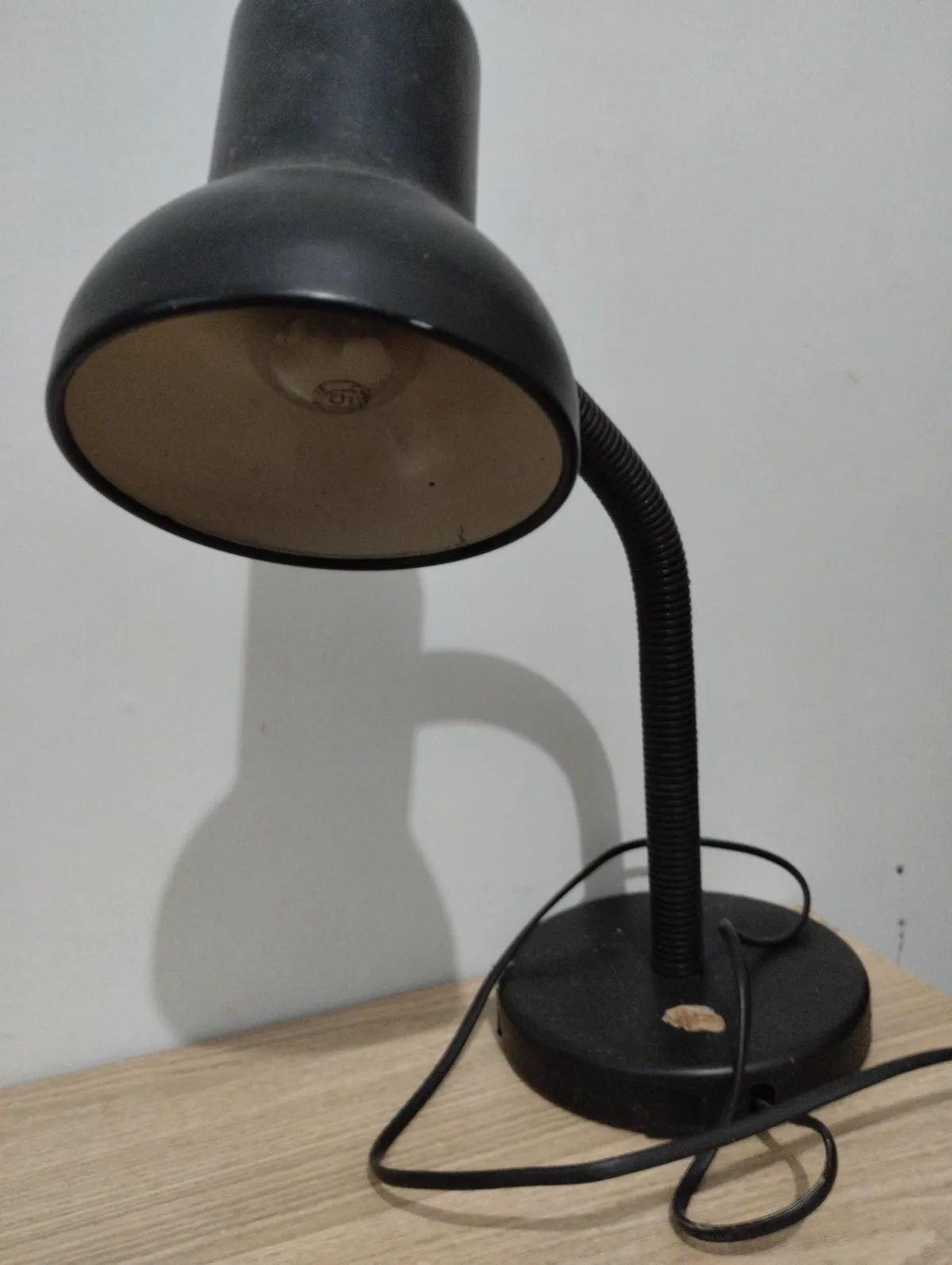
A lamp with an adjustable arm and head gives the most control. You can aim the light at the desk, away from the screen, and adjust it as the day changes. A fixed lamp can only sit in one place, and if that place is wrong, the lamp is useless. An arm with two or three joints covers most desk layouts.
A bar or panel lamp spreads light evenly across a wide desk. It suits a desk with two monitors, since it lights the whole work area without a hot spot. A spot lamp suits a small desk or a reading corner, since it focuses light on one area. Choose the shape for the desk size, not for the look.
A clamp lamp saves desk space. It clamps to the desk edge or a shelf and leaves the whole desk surface free. A heavy base lamp needs a flat spot on the desk and can wobble on a small desk. If your desk is crowded, a clamp lamp is the practical choice.
Placement That Reduces Strain
Place the lamp to the side of your dominant hand, aimed at the desk and away from the screen. A right-handed person places the lamp on the left, so the hand does not cast a shadow over the writing. A left-handed person mirrors the setup.
Keep the lamp behind or beside the monitor, never behind you facing the screen. A lamp behind you reflects in the screen and creates glare. A lamp beside the monitor lights the desk without reflecting. If you use two monitors, place the lamp so it lights the gap between them rather than one screen.
Match the lamp brightness to the screen. If the screen looks like a glowing rectangle in a dark room, raise the lamp brightness. If the room feels like an office at noon, lower it. The goal is a room that feels evenly lit, with no single bright spot and no dark corner that your eyes must fight.
What to Avoid When Buying
Avoid lamps with no brightness control. A lamp that is only on or off cannot adapt to morning, evening, or cloudy days. A dimmer costs little and makes the lamp useful in every condition. A lamp with no color temperature control is a smaller compromise, but a dimmer is essential.
Avoid very cheap lamps with no flicker or safety certification. A lamp with a poor driver can flicker, buzz, or overheat. Look for a known brand, a flicker-free claim backed by reviews, and a safety certification for your country. A desk lamp sits near your face for hours a day, so quality matters.
Avoid buying on looks alone. A designer lamp with a bare bulb and no diffuser will glare, no matter how good it looks. Judge a desk lamp by its light: even, adjustable, and aimed at the desk. If the lamp cannot pass that test, it will not reduce eye strain, however stylish it is.
Save this page, then keep exploring — Gaming Desk Settings: Best Practices for Comfort and the guides below are worth your time too.
Reference: Eye strain — Wikipedia
Related Articles:
- Gaming Desk Settings: Best Practices for Comfort
- Gaming Desk Setup: The Ultimate 2026 Guide
- IPS Monitor Guide: Budget Friendly Setup & Install
What is your take?
Share your experience or questions in the comments — especially if you have used this tech yourself.
Found this useful? Share it with a friend who would want to know.