
5 min read
A phone that shuts down at 20 percent is lying about its remaining charge. The percentage is only an estimate, and when that estimate drifts, the phone can run out of real energy while the screen still shows a comfortable number. The shutdown feels sudden, but the battery has usually been signaling trouble for a while.
This guide explains why a phone battery dies at 20 percent and how to stop it. You will learn how battery calibration drifts, which checks reveal a worn battery, and which fixes restore an honest percentage before you spend money on a replacement.
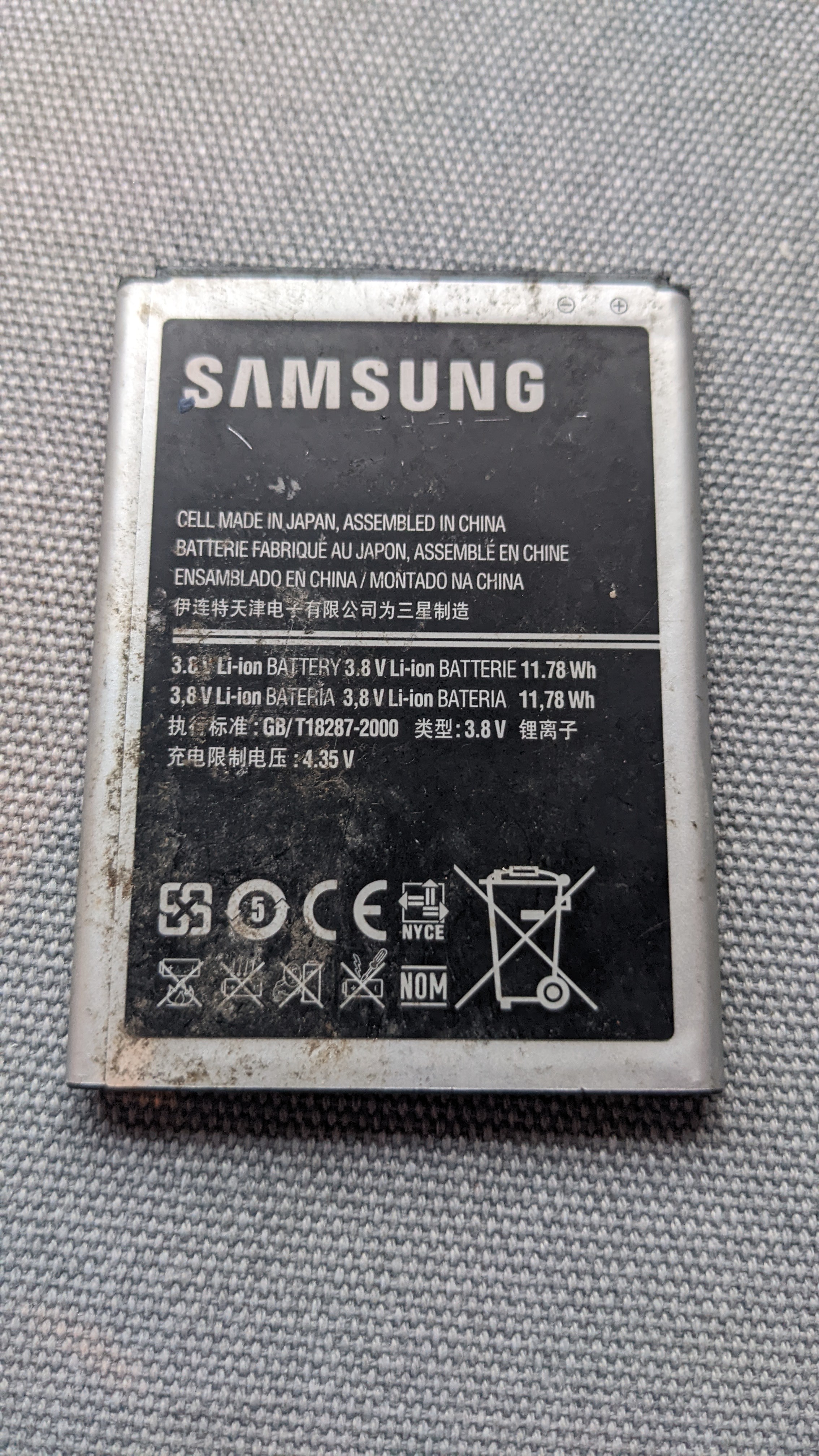
Why the Percentage Stops Matching Reality
Your phone does not measure its battery percentage directly. It estimates the remaining charge from voltage, temperature, and a record of past charging behavior. When that record grows stale, the estimate drifts, and the phone may believe it has 20 percent left when the battery is nearly empty. The result is a shutdown that looks like a fault but is really a bad estimate. A phone that keeps dying at 20 percent is not just miscalibrated by chance, since the estimate error grows every time the battery is stressed by heat or by a heavy load.
Partial charging makes the drift worse. If you usually charge from 40 percent to 80 percent and rarely run a full cycle, the phone loses track of where empty and full truly are.
Age and heat add a real capacity loss on top of the estimate error. A worn battery holds less energy than a new one, so its voltage drops faster under load.
Check Battery Health Before Anything Else
Open the battery health screen before you try any fix. On an iPhone, go to Settings, then Battery, then Battery Health and Charging, and read the maximum capacity. On Android, open Settings, then Battery, then Battery Health on phones that offer it, or use the manufacturer app to find the same number.
Watch how the phone behaves under load. If it shuts down when you open the camera, start a game, or step into the cold, the battery may be unable to deliver peak power. If it dies at the same percentage even while idle and warm, the estimate is more likely the problem, because a resting phone draws little power and should not collapse from a real 20 percent charge. If the phone dies at the same percentage even while idle and warm, the estimate is more likely the problem, because a resting phone draws little power.
Check for swelling at the same time. A screen that lifts at the edges, a case that no longer sits flat, or a phone that rocks on a table can mean a swollen battery. Stop using a swollen phone and have it serviced promptly, since a swollen battery is a safety problem, not a calibration puzzle.
Recalibrate With a Full Charge Cycle
Recalibration teaches the phone where empty and full are. Use the phone normally until it shuts down on its own, then leave it off for an hour. Plug in the original charger, keep the phone off, and charge it without interruption until it reaches 100 percent, then leave it plugged in for one more hour.
After the full charge, restart the phone and use it normally until it drops below 10 percent, then charge it fully again. Avoid interrupting this second cycle with short top-ups. Two clean cycles are usually enough to tell whether calibration was the problem, and the percentage should track more honestly afterward.
Do not repeat full cycles every week. Deep discharges wear a lithium battery faster than partial charging does, so calibration is a repair step, not a habit. Once the estimate is honest again, return to the healthy pattern of charging between roughly 20 percent and 80 percent for daily use.
Reduce the Loads That Trigger Early Shutdown
Peak power demand is what turns a weak estimate into a shutdown. Heavy loads such as gaming, video recording, and navigation pull hard on the battery, and the voltage sag can cross the shutdown threshold while the displayed percentage still looks safe.
Turn on the system power saving mode below 30 percent. Power saving mode limits background activity, lowers screen brightness, and caps processor peaks, which reduces the voltage sag that causes early shutdowns. It will not fix a worn battery, but it buys a real margin of usable time on a phone with a drifting estimate.
Keep the phone warm in cold weather. A phone left on a cold dashboard or in a thin jacket pocket loses usable capacity until it warms up.
When a Battery Replacement Is the Answer
Replace the battery when calibration fails twice and health is low. If the phone still dies at 20 percent after two clean cycles, and the health reading sits well below 85 percent, the battery itself has lost too much capacity for software to fix.
Use an official service or a reputable repair shop with a quality battery. Cheap replacement batteries can report wrong capacity, swell early, or fail to hold a charge, which brings back the same symptom with a new part.
After a replacement, run one full calibration cycle, then return to normal charging habits. The phone should now run past 20 percent, past 10 percent, and shut down near zero as it should.
That is the short version. For the longer one, work through the battery guides below.
Related Articles:
- Best Settings for Android Gaming: Boost Performance & Battery
- Steam client battery drain solutions
- Fixing UPS Battery Backup Crashing: Easy Fixes
What is your take?
Share your experience or questions in the comments — especially if you have used this tech yourself.
Found this useful? Share it with a friend who would want to know.