
5 min read
Most power banks charge phones, but charging a laptop is a different job. A laptop needs far more power, a higher voltage, and a USB-C port that supports Power Delivery. A phone power bank plugged into a laptop will either do nothing or charge it painfully slowly.
The good news is that laptop-capable power banks are common now, and the specs that matter fit on one label. This guide explains what to look for so your next power bank actually charges your laptop.
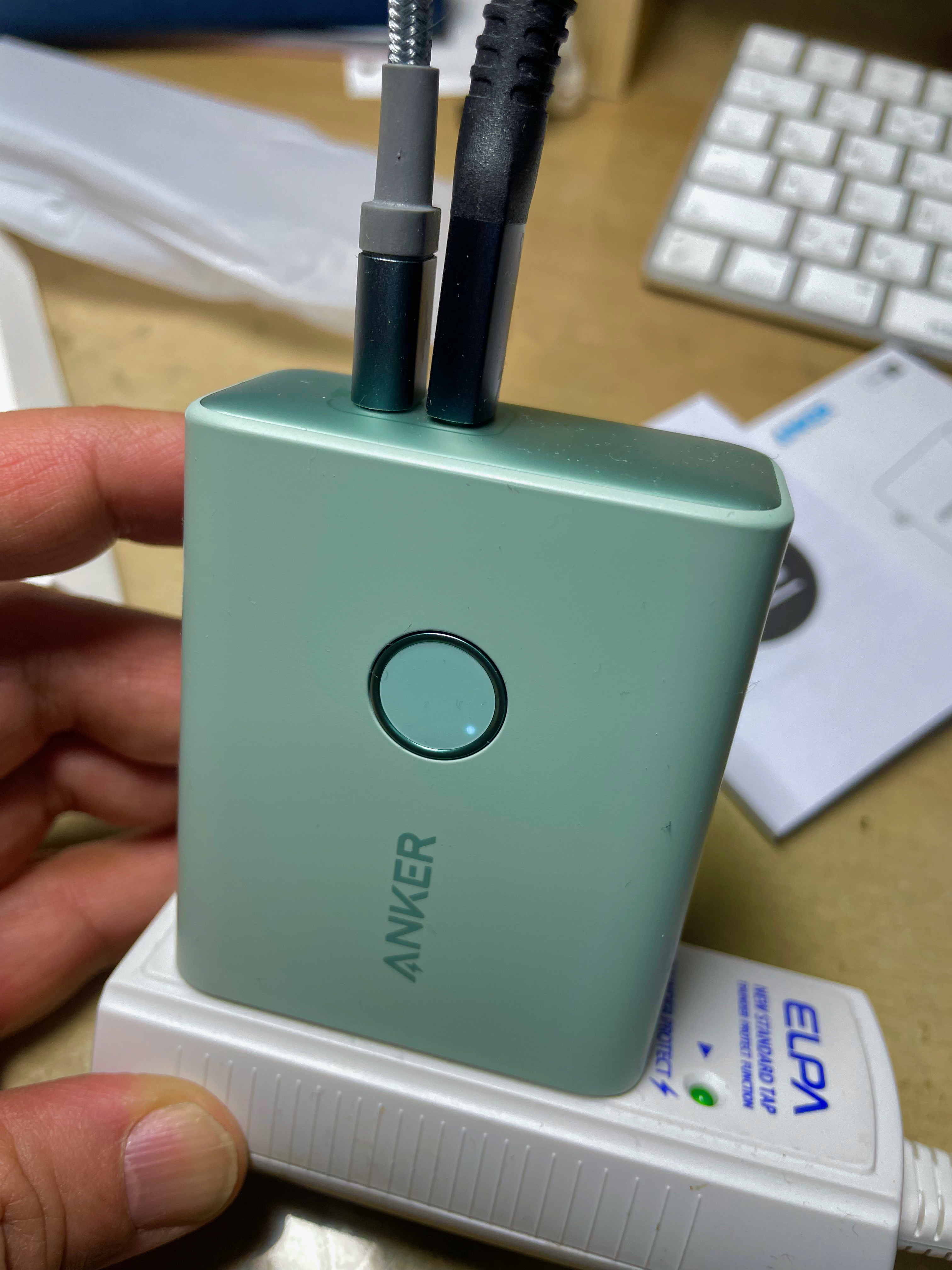
Wattage: The Number That Decides Everything
A laptop charger delivers 45 to 100 watts, and a power bank must match that to charge a laptop. A 20-watt phone power bank cannot charge a laptop, no matter how large its battery. Check the power bank output wattage first, and ignore the battery size until the wattage is right.
Match the wattage to your laptop charger. A laptop that ships with a 65-watt charger needs a 65-watt power bank for full-speed charging. A lower-wattage bank will still charge the laptop slowly while it sleeps, but it may not keep up while the laptop is running.
Small laptops and Chromebooks can work with 30 to 45 watts, while gaming laptops may need 100 watts or more. A 100-watt power bank covers almost every thin laptop, and it is the safest choice if you share the bank between devices.
Choose the wattage first and the capacity second, because a big battery with low wattage cannot charge a laptop. The wattage number is the gate, and the capacity number is the size of the tank. Get the gate right before you compare tanks.
Capacity: How Much Charge You Actually Get
Capacity is measured in milliamp-hours, but the useful number is watt-hours. A laptop battery holds 50 to 80 watt-hours, and a power bank must hold at least that much to give a full charge.
Expect to lose about twenty percent of the rated capacity to conversion and heat. A 100 watt-hour bank delivers roughly 80 watt-hours to the laptop, which is one full charge for a thin laptop and a partial charge for a large one. Plan for that loss when you compare models.
Airline rules cap power banks at 100 watt-hours without approval. That limit covers most laptop power banks, and it is why so many are rated at exactly 100 watt-hours or just under. A bank above the limit may be confiscated at security.
Ports and Power Delivery
Look for a USB-C port labeled Power Delivery, or PD. That port negotiates the voltage the laptop needs, stepping up from phone voltage to laptop voltage. A USB-C port without Power Delivery charges phones only, and it will not charge a laptop.
Two-way charging matters for travel. The same USB-C port should charge the power bank itself, so one charger fills both the bank and the laptop. A bank that needs its own special charger adds a cable you will eventually forget.
A second port for the phone is worth having. It lets you charge the laptop and the phone at the same time, which is the usual situation on a long trip. Check that the bank delivers full wattage on the laptop port while the second port is in use.
Size, Weight, and Build
A laptop power bank is heavier than a phone bank, usually 400 to 700 grams. That weight is the price of a large battery, and it is worth carrying for a full workday away from outlets. A bank under 400 grams usually lacks the capacity for a full laptop charge.
Check the shape as well as the weight. A flat bank slides into a laptop sleeve, while a brick-shaped bank needs its own pocket. The flattest banks travel best, even if they hold slightly less charge.
Build quality matters because a power bank lives in a bag with hard objects. A metal shell survives drops and pressure better than thin plastic, and a good bank includes overheat and overcharge protection. Cheap banks without protection are a fire risk, and they are not worth the savings.
Choose a bank with a metal shell if it will live in a work bag. A metal shell survives the daily crush of books and chargers, while thin plastic cracks. The shell is cheap insurance for an expensive battery.
Testing Before You Rely On It
Test the power bank at home before a trip. Drain the laptop to half, plug in the bank, and check that the laptop reports charging. A bank that only works while the laptop sleeps is not a real laptop charger, and you want to find that out at home.
Time a full charge from the bank. Note how long it takes and how much of the laptop battery it fills, so you know what to expect on the road. A bank that fills half a laptop in two hours is still useful, as long as you know its limits.
Keep the bank charged between trips, and top it up every few months if it sits unused. Lithium batteries lose charge slowly in storage, and a bank that sat in a drawer for a year may arrive empty. A quick top-up before every trip avoids that surprise.
Enjoyed this? Laptop Charger Without Internet: Affordable Solutions picks up right where this leaves off.
Related Articles:
- Laptop Charger Without Internet: Affordable Solutions
- Repair Laptop Charger Bootloop: A Practical Guide
- Configure Laptop Charger: Easy Fixes & Troubleshooting
What is your take?
Share your experience or questions in the comments — especially if you have used this tech yourself.
Found this useful? Share it with a friend who would want to know.