
5 min read
A phone that gets hot while charging is a common worry, and a little warmth is normal. Charging pushes energy into the battery, and some of that energy becomes heat. But if the phone becomes uncomfortable to hold, or charging slows to a crawl, something is adding extra heat that you can usually remove.
This guide explains why a phone overheats while charging and what to change. Most fixes are simple habits around chargers, cases, and background apps, and they work without buying anything new.
Why Charging Produces Heat
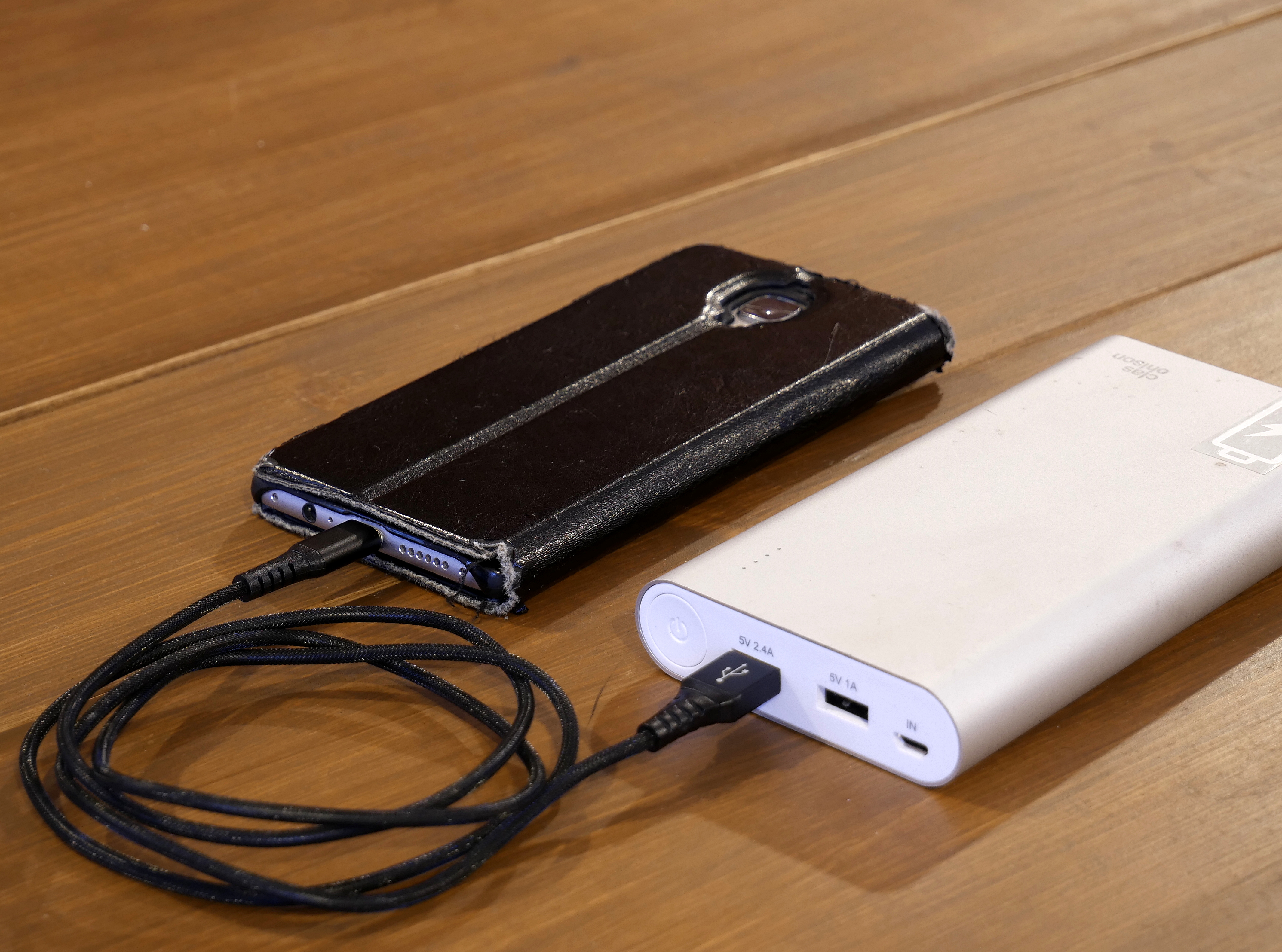
Charging is a chemical process inside the battery, and no charger is perfectly efficient. Some energy is always lost as heat, and fast charging loses more, because it pushes a larger current into the battery in a shorter time. A phone on a fast charger will feel warmer than the same phone on a slow charger. This guide shows how to check the charger, the case, and the background apps that add heat while your phone charges.
The phone also generates its own heat from normal use. If you play a game, stream video, or run a video call while charging, the processor and the screen add heat on top of the charging heat. The two sources together can push the phone into a temperature range where it slows charging to protect itself.
Heat is also a sign that the phone is defending the battery. Modern phones reduce charging speed when they get hot, and they may pause charging entirely above a safe temperature. Slow charging on a hot day is often the phone working correctly, not a charger fault.
Check the Charger and Cable First
A cheap or damaged charger is one of the most common causes of extra heat. Uncertified chargers can deliver unstable voltage, and a frayed cable can cause the phone to charge inefficiently.
Wireless charging adds more heat than wired charging, because energy is lost across the gap between the pad and the phone. If your phone overheats on a wireless pad, switch to a wired charger and see whether the temperature drops. A misaligned phone on a pad is especially bad, because the pad keeps trying to transfer power through a poor connection.
Charging from a laptop USB port or a car charger can also be inconsistent. If the phone only overheats on one charger, that charger is the suspect. Test the phone with a known good charger and cable before blaming the phone itself.
Remove the Case and Give the Phone Air
A thick case traps heat around the phone, just like a blanket. This matters most during fast charging, when the phone needs to shed heat quickly. Taking the case off while charging is a free fix that often drops the temperature noticeably within minutes.
Where you charge matters too. A phone charging under a pillow, inside a bag, or on a soft bed cannot lose heat. Charge on a hard, flat surface with air around the phone, and keep it out of direct sunlight. A phone left on a sunny windowsill while charging can overheat even with a perfect charger.
Room temperature plays a role as well. Charging in a hot car or a warm room raises the starting temperature, so the phone reaches its limit sooner. If the room is very hot, charge the phone in the coolest spot available and wait until it cools down before using it heavily.
Stop Background Apps From Adding Heat
Apps running in the background keep the processor busy and generate heat during charging. Video uploads, cloud backups, large downloads, and location tracking are the usual culprits. If the phone is hot while charging, check which apps have been active and pause the heavy ones until charging finishes.
Games are the worst combination with charging. A demanding game heats the processor, the screen stays on, and the battery charges at the same time. If you must play while charging, lower the screen brightness and close other apps first, and expect the phone to charge more slowly.
After a system update or a restore, a phone may run background tasks for hours, such as re-indexing photos or re-downloading content. This temporary heat is normal. Let the phone finish these jobs on a cool surface, and the temperature should return to normal the next day.
When Heat Means Something Is Wrong
Occasional warmth is normal, but a phone that is too hot to hold, swells, smells, or shows a temperature warning needs attention. Stop charging it, move it to a cool surface, and do not put it in a freezer or cold water, because rapid cooling can damage the battery and the screen.
A swollen battery is a safety issue. If the screen is lifting, the back is bulging, or the phone no longer sits flat, stop using it and take it to a qualified service center. Do not try to puncture or press a swollen battery, and do not charge the phone again.
If the phone overheats with a good charger, no case, and no heavy apps, the battery or charging circuit may be failing. A service center can test the battery health and the charging hardware. Keep a record of when the heat happens, because that pattern helps the technician find the fault.
If this was useful, keep going: Hot Smartphones? Hither'Sec The Crusade In Addition To How To Cool It
Back is the natural next read, and the other guides below go further still.
Related Articles:
- Hot Smartphones? Hither'Sec The Crusade In Addition To How To Cool It
Back - How to Fix Lines on Phone Screen: Complete Repair Guide
- Ghost Touch Fix: Permanent Solutions for Phantom Screen Touches
What is your take?
Share your experience or questions in the comments — especially if you have used this tech yourself.
Found this useful? Share it with a friend who would want to know.