
5 min read
AirPods collect earwax, dust, and pocket lint, and the buildup makes them quieter and duller over time. A dirty mesh blocks sound, a dirty sensor stops auto-pause from working, and a dirty case stops charging properly. Cleaning fixes all three, but the wrong method can ruin them.
Apple warns against water, sharp tools, and strong cleaners, and for good reason. This guide uses only safe methods:
- Dry cloths
- Soft brushes
- Careful technique
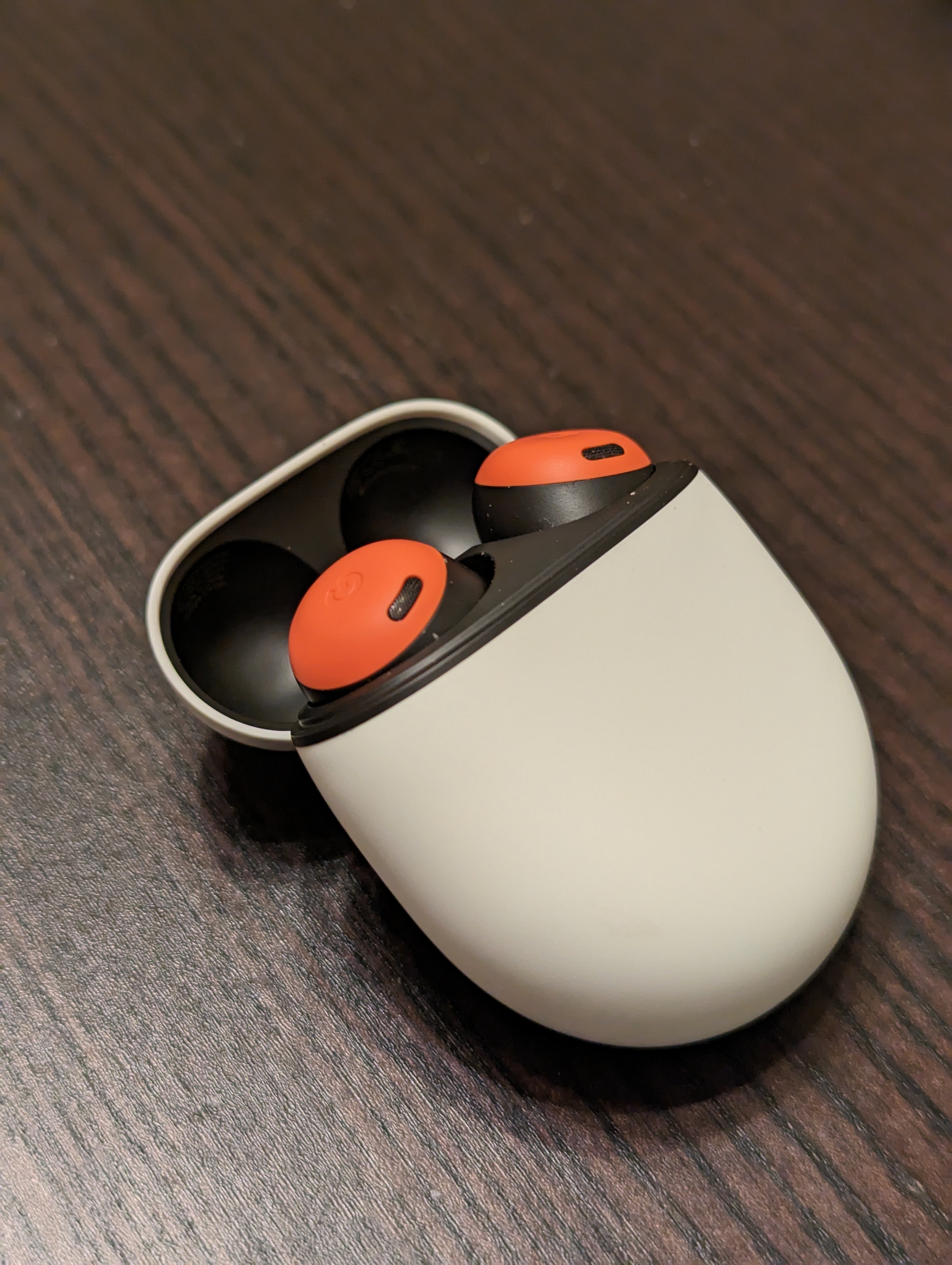
What You Need and What to Avoid
Gather a dry lint-free cloth, a soft-bristled brush, and a dry cotton swab. A microfiber cloth from a glasses case is ideal, and a soft toothbrush works for the mesh. You do not need cleaning sprays, and you should not use them.
Never run AirPods under water, and never use soap, bleach, or alcohol on the mesh. Water can enter the speaker and damage the driver, and solvents can dissolve the mesh glue. If a cleaner is not on Apple list of approved methods, skip it.
Do not poke the speaker mesh with a toothpick, needle, or SIM tool. The mesh is thin and easy to puncture, and a hole lets wax and dust straight into the speaker. A soft brush removes surface buildup without touching the mesh itself.
Cleaning the Earbuds
Wipe each AirPod with a dry lint-free cloth first. This removes oils and surface dust, and it is enough for a light cleaning. Pay attention to the seams and the charging contacts, where grime builds up fastest.
Brush the speaker mesh gently with a dry soft brush, using light strokes away from the mesh. The goal is to lift wax off the surface, not to push it deeper. A few gentle passes beat one hard scrub, and patience protects the mesh.
Clean the microphone and sensor openings with a dry cotton swab, using almost no pressure. These tiny holes sit near the mesh, and blocking them stops auto-pause and call noise reduction from working. A quick swab restores them without risk.
Wipe the AirPods after every workout, because sweat and salt build up faster than ordinary dust. A quick wipe after exercise prevents the crusty layer that needs a brush later. The habit takes seconds and keeps the sound clear.
Cleaning the Charging Case
Wipe the outside of the case with a dry cloth, and clean the hinge with a dry swab. The hinge collects pocket lint that stops the lid from closing fully, and a lid that does not close stops the case from charging.
Clean the charging wells with a dry cotton swab, and be gentle around the metal contacts. Dirty contacts cause the AirPods to charge slowly or not at all, and the case may report a full charge while the AirPods are still low.
Never blow compressed air into the case. The blast can push debris deeper into the charging wells, and it can damage the small contacts. A swab and a brush reach everything compressed air would, with none of the risk.
Check the charging light after cleaning the case, because a clean contact shows a steady light. A flickering or missing light means a contact is still dirty. Clean again until the light behaves normally.
Removing Stubborn Wax Safely
For wax that a brush will not lift, use a piece of clean adhesive putty, the kind used to hang posters. Press it lightly against the mesh and peel it away. The putty lifts wax off the surface without pushing it in, and it leaves no residue.
Do not use tape. Tape adhesive can stick to the mesh and leave a film that blocks sound worse than the wax did. Putty is soft enough to release cleanly, and it is the only adhesive method safe for speaker mesh.
If the wax still will not move, stop and book a cleaning at an Apple store. Technicians have tools that clean the mesh without damaging it, and a professional cleaning costs far less than a replacement pair. Forcing the issue at home is how mesh gets punctured.
Store the AirPods in the case when you are not using them, because pockets and bags add lint. The case is the cleanest place for the earbuds, and it charges them at the same time. A pocket is the dirtiest place they can live.
How Often to Clean Them
Wipe the AirPods with a dry cloth after heavy use, and do a full cleaning once a month. Regular light cleaning prevents the hard buildup that needs aggressive methods. A monthly habit keeps the sound clear and the sensors working.
Clean the case whenever you notice lint in the hinge or slow charging. The case lives in pockets and bags, so it gets dirty faster than the earbuds. A quick swab of the wells each month prevents most charging complaints.
Replace the ear tips on AirPods Pro when they wear out. Worn tips seal poorly, which hurts bass and noise cancellation, and no cleaning restores a worn tip. Fresh tips are cheap, and they make the AirPods sound new again.
Replace worn ear tips on schedule, because a loose tip lets sound leak and breaks the seal. A fresh tip restores bass and noise cancellation in seconds. Keep a spare set in the drawer so a worn tip never waits weeks for a replacement.
Do not stop here. More bluetooth-earbuds ideas are waiting below, beginning with Bluetooth Earbuds Installation: A Complete Guide.
Related Articles:
- Bluetooth Earbuds Installation: A Complete Guide
- Repair Bluetooth Earbuds Crashing and Performance Issues
- Bluetooth Earbuds: A Complete Guide
What is your take?
Share your experience or questions in the comments — especially if you have used this tech yourself.
Found this useful? Share it with a friend who would want to know.